
You choose when to record.
Start and end a set’s motion capture on Apple Watch. Keep logging your workouts as usual.

In development
For iPhone & Apple Watch
Your strength training, in focus.
A strength log that goes
beyond reps and weight.
Plan your workouts, log your lifts, and explore
your movement with Apple Watch.


iPhone & Apple Watch
Core training works offline
Start without an account
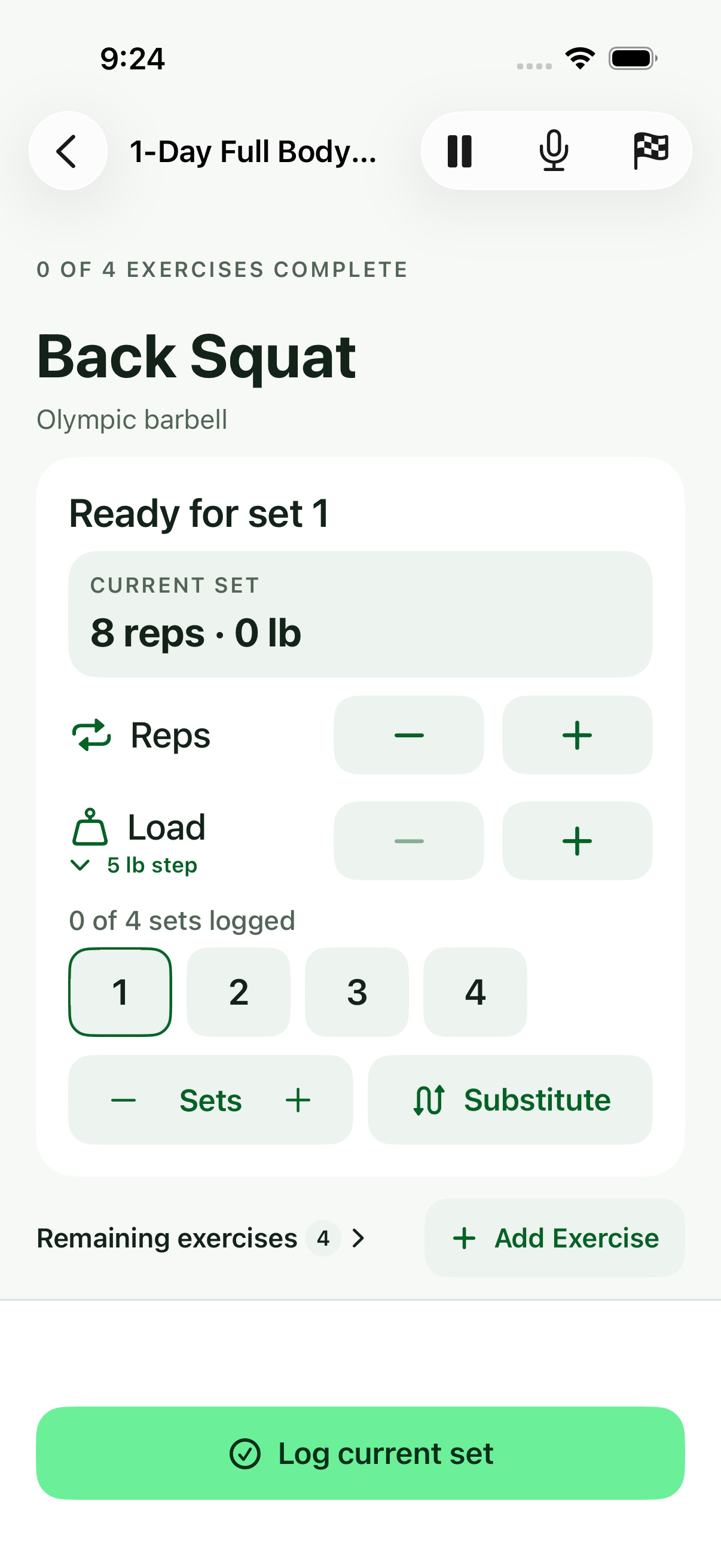
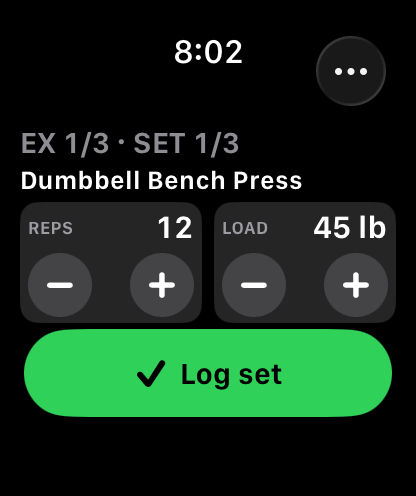
Walk in with your workout ready. Keep your reps, weight, and rest together while you train. Come back to a record of what you actually lifted.
Whether you’re building a habit or following a program, Navren keeps the details close and your next set in focus.
See the workout flow
[02] A closer look / Apple Watch
Did the last rep take longer than the first? Did your movement change along the way?
Capture a set on Apple Watch, then explore the timing and relative wrist movement of individual reps on iPhone. Put a little more context behind the numbers.
Explore a sample set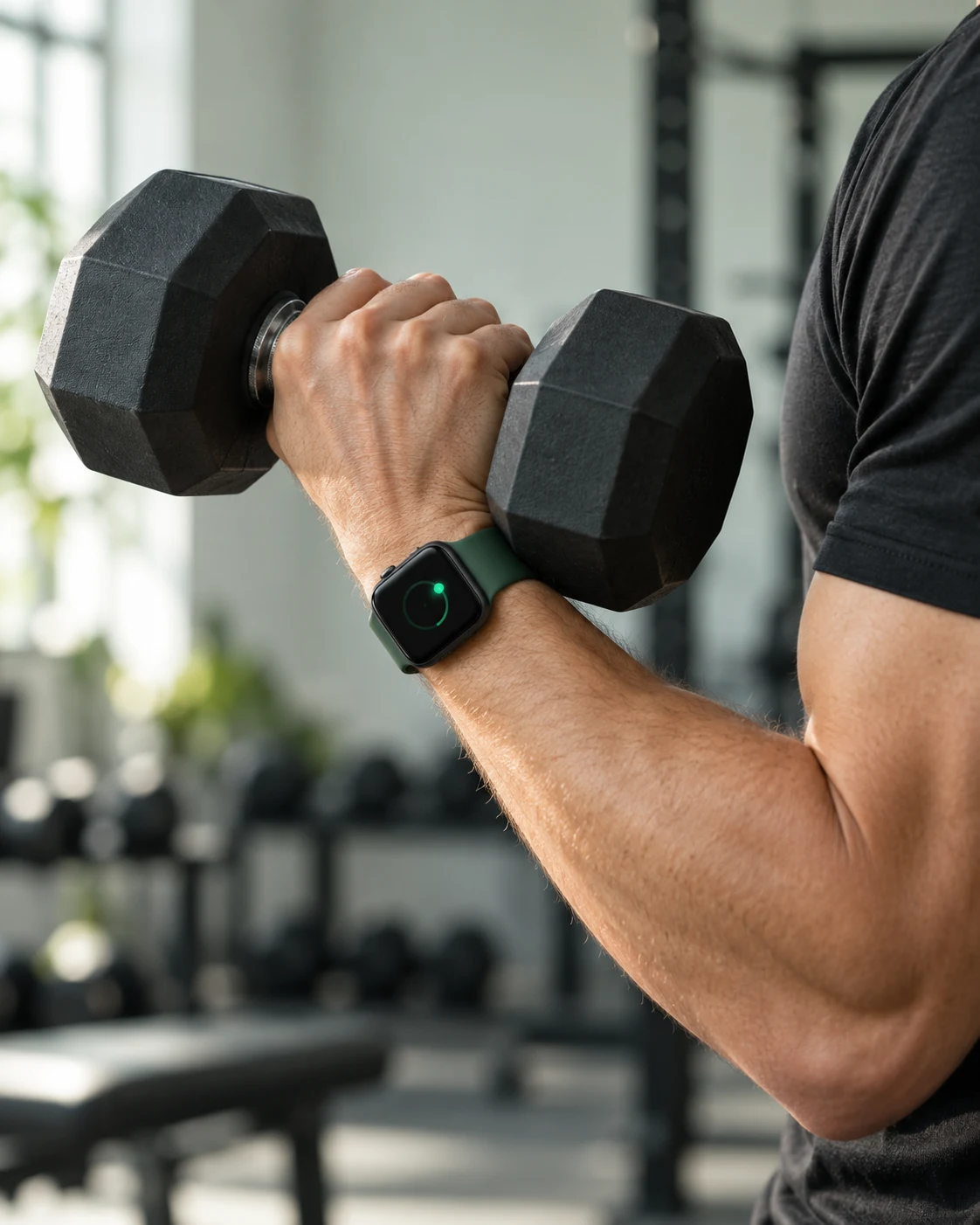
Select a rep to explore its movement and timing.
Relative wrist movement
Experimental analysis for supported exercise setups. Relative wrist movement, not an absolute bar path or a form score. This demo uses synthetic sample data.
Start and end a set’s motion capture on Apple Watch. Keep logging your workouts as usual.
Scrub through its relative wrist movement and look at the time spent lifting and lowering.
Overlay reps within a set, or compare compatible sets from the same exercise and setup.
[03] Inside Navren
01 / Log the work
Adjust your reps and weight, then log the set. Your rest timer and remaining sets are right there, ready when you are.
Your set, at a glance. / iPhone app
02 / Make room for real life
Move to another exercise in your workout and come back when you’re ready. Your logged sets and unfinished work keep their place.
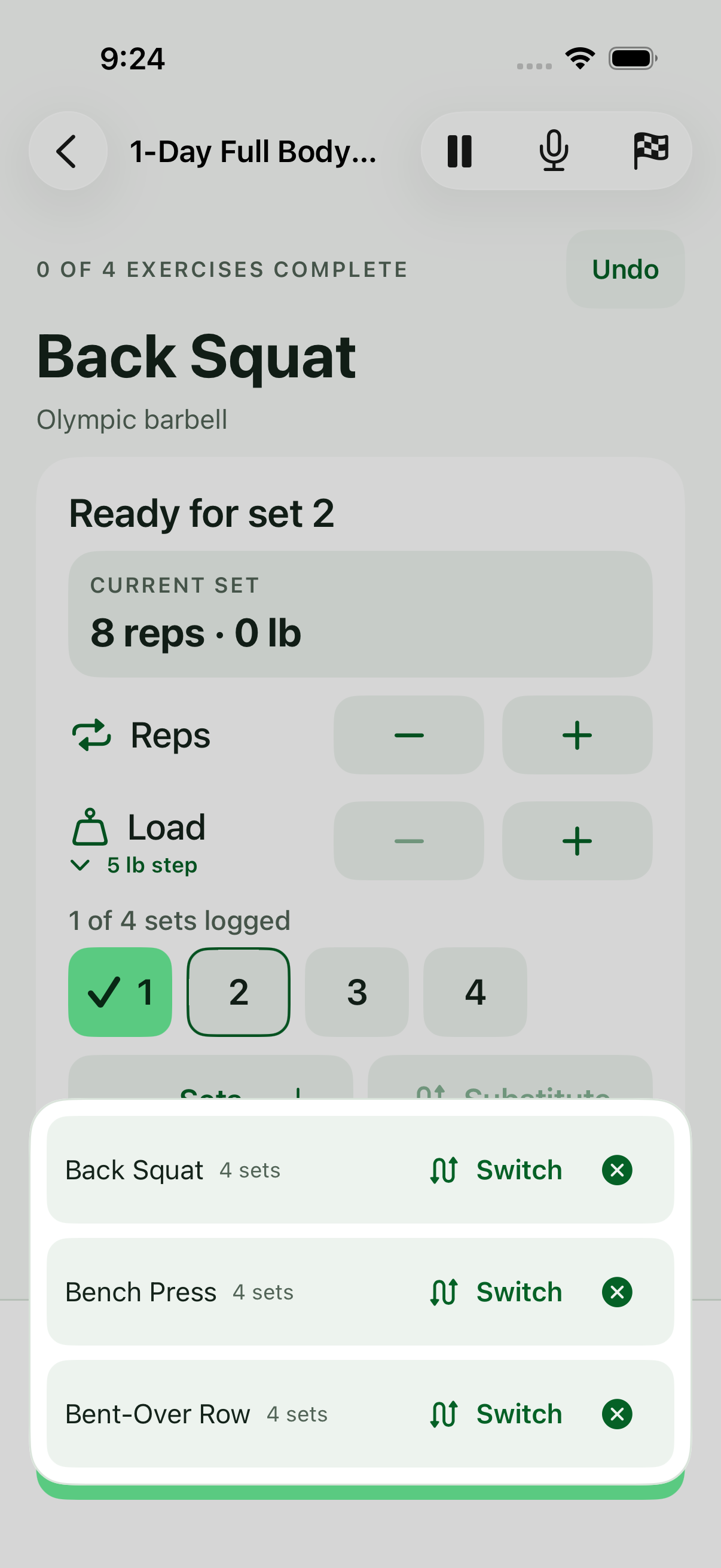
Switch exercises. Keep your place. / iPhone app
03 / Get familiar
Explore 130 exercise guides with clear images, three short cues, and the muscles worked. Find a familiar lift or get to know a new one.
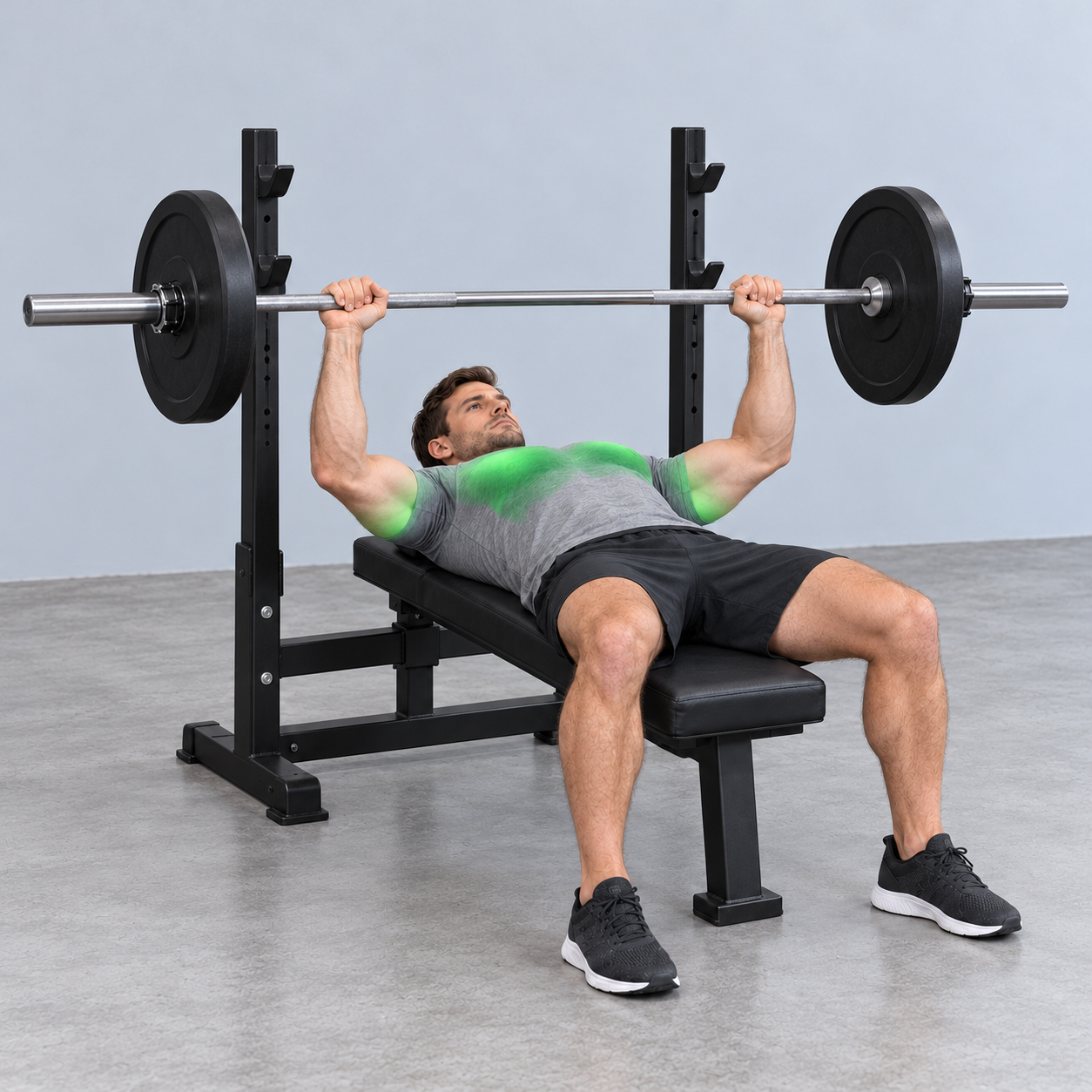
One clear image. Three practical cues.
A little more confidence at the bench.
A closer look at the movement. / Guide preview
Scroll to explore
[04] Build something you can come back to
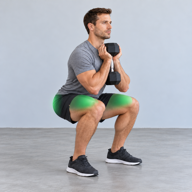
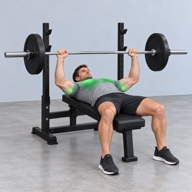
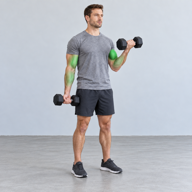
A starting point if you need one. Your own program if you have one.
Build a training history that’s worth coming back to.
Choose full body, upper/lower, or push/pull/legs. Set your exercises, reps, weight, and rest to make the workout yours.
Your saved routines and previous sets give you a starting point. Adjust today’s targets as you go.
Review your workout history, highest loads, and training totals. See the sessions behind the numbers, one lift at a time.
[05] Your workout, on your wrist
Adjust your reps and weight, log a set, and follow your rest from Apple Watch. Leave your phone in your bag and stay with your workout.
Keep the workout close while you lift. Review your sets and available motion analysis on the bigger screen afterward.
Your core workout log and bundled exercise guides work offline. A patchy gym connection doesn’t have to interrupt a set.
Start without signing up. Keep your training history on your device, and export a copy whenever you need it.
[06] Navren in ChatGPT Private preview
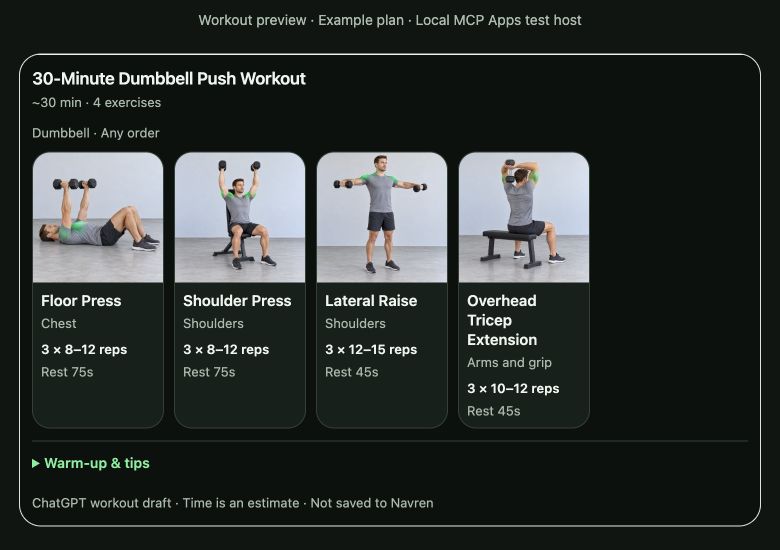
Tell ChatGPT your time, equipment, and training focus. Navren’s exercise catalog helps turn the conversation into a workout draft, with images and guides you can explore.
Currently in private testing. Workout drafts stay in the conversation; they don’t save or sync to the Navren app.
Hear when it’s available
“Build me a 30-minute dumbbell push workout.”
[07] Before you begin

Navren is being built for people who lift and want a clearer picture of their training. Follow your own program or start with a template, log sets on iPhone or Apple Watch, and review your history. Optional Watch motion capture adds a closer look at supported movements.
You can plan workouts and log your training with iPhone alone. Apple Watch adds wrist path capture, plus set logging and rest timers on your wrist. Wrist path tracking requires Apple Watch.
You log your sets and choose when to start and end a motion capture on Apple Watch. Analysis is experimental and depends on the exercise, setup, and recording quality. The exercise guide library is broader than motion-analysis support. Navren does not promise automatic detection of every lift.
For a supported capture, you can explore rep timing, scrub through relative wrist movement, and overlay compatible reps. It gives you another way to look at a set. It doesn’t measure an absolute bar path or joint angles, grade your form, or replace a qualified coach’s assessment.
Yes. Build a workout with your exercises, sets, reps, and loads, or use a starter workout as your starting point. You can switch between exercises during a session without losing your logged sets.
Core workout logging and the bundled exercise guides work offline. External YouTube demonstrations and optional cloud services need a connection.
No signup is needed for the core training experience. Your training history can stay on your device, and you can export a copy. Cloud services are still in development.
The ChatGPT companion is in private testing. It can surface exercise guides and workout drafts, but it isn’t publicly available yet and doesn’t access or update your personal Navren workout history.
Navren is in development for iPhone and Apple Watch. Launch timing and pricing haven’t been announced. Join the waitlist to hear when access opens.
A clearer picture of the work you put in.
Join the waitlist to hear when Navren opens.